Sign up now for Vultr Free Trial and get →
Coupon code: Auto-applied in the button below.
Vultr is especially known for their affordable high-frequency servers, which are powered by a 3 GHz+ Intel Xeon processor and NVMe SSD.
Additionally, a beginner can get 100+ one-click apps to launch his high-frequency LiteSpeed servers and WordPress-like blog with CyberPanel without knowing coding.
Contrary to that, if you are a developer or SaaS owner, you can deploy your app on a cloud GPU, bare metal, or optimized cloud computing server.
You can test it all for 30 days for free with a $100 credit. Let’s get started.
Table of Contents
How To Claim Vultr Free Trial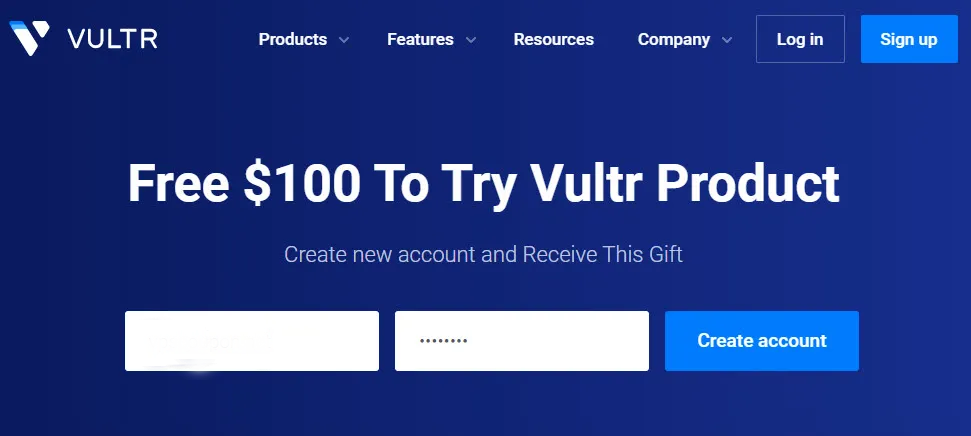
1.Visit above link.
2.Enter your email address, password, and hit Create Account.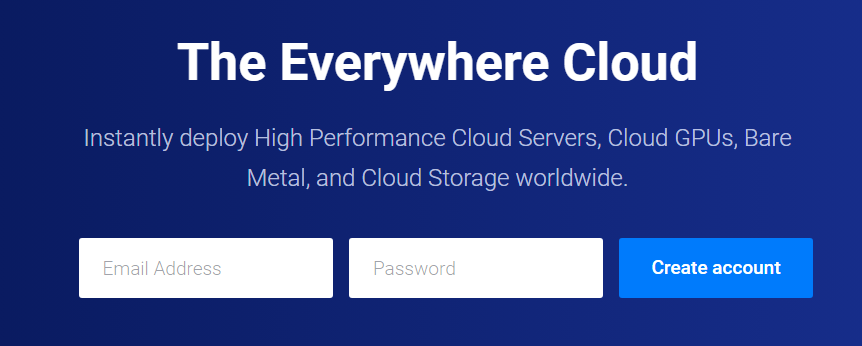
3.Check your inbox and hit the confirmation link for the email you got from the host.
4.Vultr dashboard will open.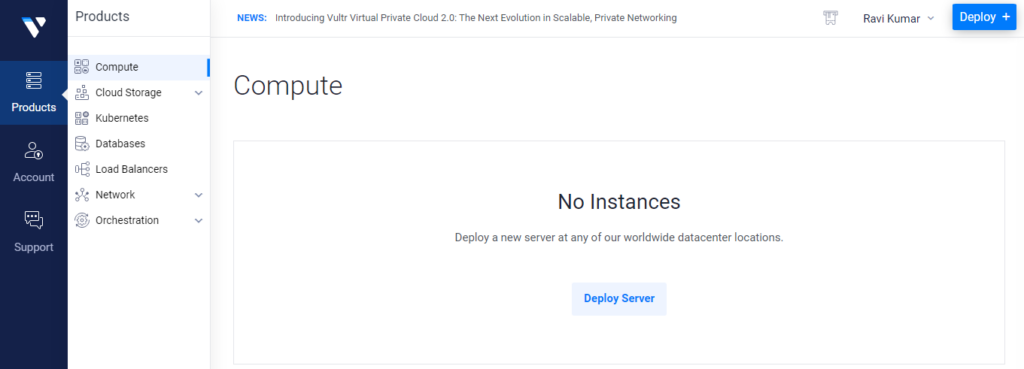
5.It’s time to verify a payment method in order to get permission to launch the server under a free trial.
6.Go to Account>Billing>Make a Payment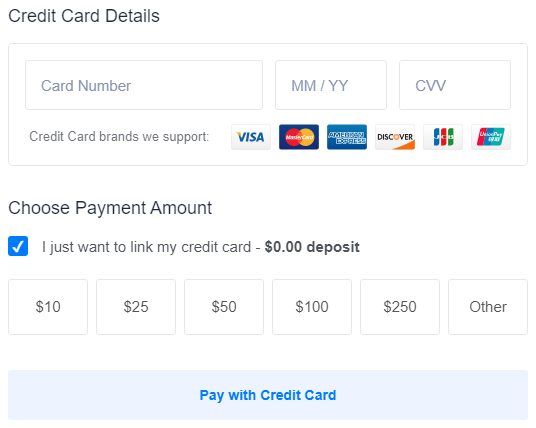
Here you can link your credit card. It requires no charges until the trial expires. 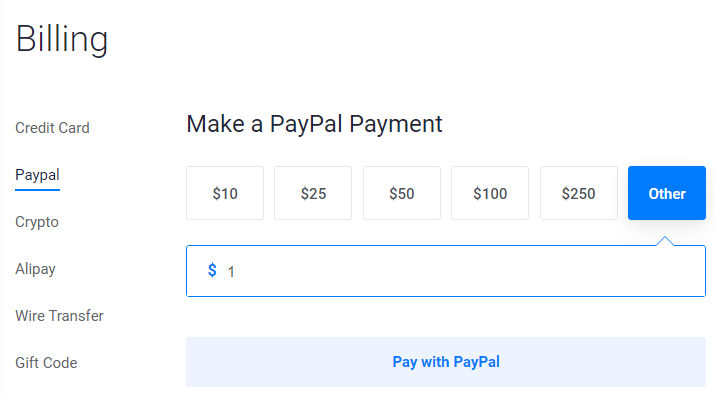 If you choose PayPal, at least a $1 payment is required. Moreover, you can find Crypto, Alipay, wire transfers, and gift codes to verify yourself.
7.Now your account is ready to deploy the first server.
What is included in the trial?
You will get the following resources:
- High-Performance Intel & AMD Chips
- 10 Servers
- Daily Backups
- 10 IPv6 and IPv4
- Free 1-click 100+ apps
- Free DNS management
- Cloud Firewall
What Thing Can You Do?
Vultr ranges their plans from a newbie blogger to a gigantic internet company. So you can launch various products.
- Deploy servers, including Windows VPS
- Kubernetes
- Managed Database
- Object Storage
- Load Balancer
- Block Storage
- ISO
- Launch VPN
- Machine Learning apps
- File-sharing apps
- Various CMS including WordPress, Drupal, Laravel, etc.
Data Centers
Vultr has one of the largest data center networks and is gradually growing. It gives you full flexibility to choose the data center as close to your main audience as possible.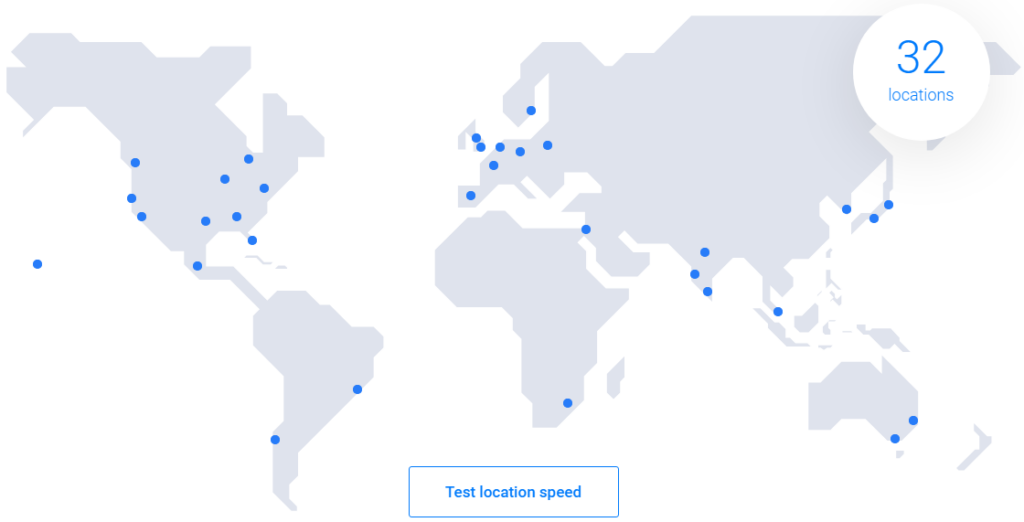
- Tokyo, Japan
- Osaka, Japan
- Mumbai, India
- Banglore, India
- Delhi NCR, India
- Seoul, South Korea
- Singapore
- Tel Aviv, Israel
- London, UK
- Manchester, UK
- Amsterdam, Netherlands
- Frankfurt, Germany
- Madrid, Spain
- Paris, France
- Stockholm, Sweden
- Warsaw, Poland
- Los Angeles, US
- Atlanta, US
- Chicago, US
- Dallas, US
- Honolulu, US
- Miami, US
- New York, US
- Seattle, US
- Silicon Valley, US
- Mexico City, Mexico
- Toronto, Canada
- Sydney, Aus
- Melbourne, Aus
- Johannesburg, SA
- Sao Paulo, Brazil
- Santiago, Chile
Conclusion
3GHz+ high-frequency Intel processors, a cloud firewall, NVMe SSDs, 100+ click apps, and 32 server locations make Vultr a professional choice. It is ideal for a business-minded guy who wants to experience the top-notch power of cloud resources.
Don’t take my word for it; taste it yourself.
FAQ
1. Who is eligible for the Vultr Free Trial?
The trial is available to new Vultr users. You must sign up with a valid email address, verify your account, and add a payment method (credit card, PayPal, etc.) to activate the trial. Existing users are not eligible.
2. How do I claim the $100 credit and 30-day free trial?
Click the activation link in the article.
- Create an account with your email and password.
- Confirm your email via the verification link.
- Add a payment method under Account > Billing.
- The $100 credit and 30-day trial will auto-apply to your account.
3. What’s included in the Vultr Free Trial?
You get:
- $100 credit for 30 days (whichever expires first).
- 10 Cloud VPS instances.
- 25 TB data transfer.
- 100+ 1-click apps (WordPress, Kubernetes, etc.).
- Access to high-frequency servers, backups, DNS management, and global data centers.
4. Does Vultr charge my payment method during the trial?
Credit card users aren’t charged unless the trial expires or the 100 credit is exhausted. PayPal requires a 1 pre-authorization. Crypto, Alipay, or gift codes incur no charges.
5. What happens after the 30-day trial ends?
After 30 days or if the $100 credit runs out, you’ll be billed at standard rates for continued usage. You can delete resources before the trial ends to avoid charges.
6. Can I deploy multiple servers during the trial?
Yes! The trial allows up to 10 Cloud VPS instances. You can also test Kubernetes, databases, block storage, and more within the $100 credit limit.
7. Which data centers can I use during the trial?
Vultr offers 32+ global locations, including Tokyo, Mumbai, London, Los Angeles, Sydney, São Paulo, and more. Choose the closest one to your audience for optimal performance.
8. What if I don’t want to continue after the trial?
Go to Account > Billing and delete all active servers/resources before the trial ends. This stops automatic charges. No cancellation fee applies.
9. Can I use the $100 credit for all Vultr services?
Yes! The credit works for cloud servers, GPU instances, bare metal, managed databases, load balancers, and other services. Check pricing for resource-specific costs.
10. Is the trial available in all countries?
Yes, but payment method options vary by region. Credit cards, PayPal, and cryptocurrencies are widely accepted. Some locations may restrict Alipay or wire transfers.

Ravi Kumar is a Server Performance Analyst with over 4 years of experience benchmarking cloud infrastructure. He has optimized and stress-tested over 150+ websites, digging deep into uptime, disk latency, and CPU performance. Whether you’re looking for a free trial or a high-performance production server, Ravi uses real-world data to help you find the perfect host.